What Your User Agent String Actually Gives Away
Privacy
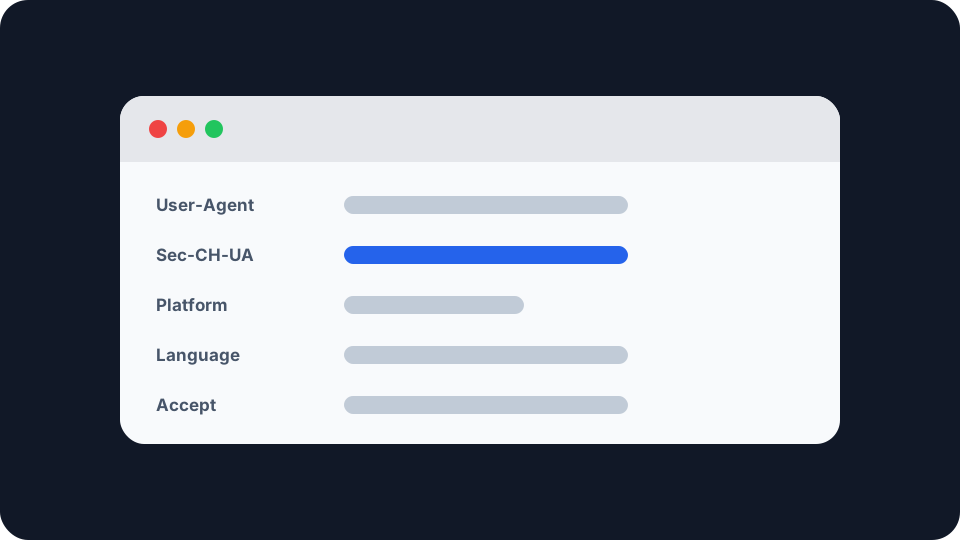
Every time your browser asks a server for anything, it introduces itself first. That introduction is the user agent string, and for most of the web’s history it was a small confession: your operating system, its exact version, your browser, its exact build, and on a phone, the model you were holding.
Most explanations of it still describe that string. They are out of date. The interesting part now is not what it reveals, but what was deliberately taken out of it, and where that information went instead.
Why it starts with Mozilla
Open the checker on any modern browser and the first thing you see is Mozilla/5.0. You are not running Mozilla. Neither is anybody else.
In the 1990s, servers sniffed the user agent to decide which version of a page to send, and the good version went to Netscape, whose internal name was Mozilla. Every browser that came afterwards claimed to be Mozilla so it would be served the good version too. Then browsers started claiming to be each other for the same reason, which is why Chrome still says AppleWebKit, KHTML, like Gecko and Safari in a single string.
None of that is a lie exactly. It is thirty years of compatibility scar tissue, preserved because removing it would break sites that still parse for those tokens. The useful part of the string is the Chrome/, Firefox/, Edg/ or Version/ token buried in the middle.
What the string looks like now
Here is a current Chrome user agent on Windows:
Mozilla/5.0 (Windows NT 10.0; Win64; x64) AppleWebKit/537.36 (KHTML, like Gecko) Chrome/143.0.0.0 Safari/537.36
Three things in there are no longer real. Chrome ran a programme called User-Agent Reduction that froze them deliberately, finishing the desktop rollout in Chrome 107, Android in Chrome 110, and closing the reverse origin trial in Chrome 113.
The platform is now a fixed value. Windows always reports Windows NT 10.0; Win64; x64, whatever version you are actually running. macOS always reports Macintosh; Intel Mac OS X 10_15_7, including on Apple silicon. Linux reports X11; Linux x86_64. ChromeOS reports a static build number.
The browser version is truncated to the major number. Everything after it is zeroed, so 143.0.0.0 tells a site you are on Chrome 143 and nothing finer.
On Android, the device model is gone. The template is Linux; Android 10; K, where the Android version is hardcoded to 10 and the model is the single letter K. A Pixel 9 on Android 16 and a five year old budget handset send the same twelve characters.
That last one matters most. Device model plus OS build was the single most identifying thing in the old string, because the combination of an unusual handset and a specific patch level narrows a crowd fast.
What replaced it
Chrome did not simply delete the information. It moved it behind a request, under the name User-Agent Client Hints.
The model is opt-in rather than automatic. A handful of low entropy hints go out by default: the browser brand list, whether the device is mobile, and the broad platform name. Anything more specific, the exact platform version, the device model, the form factor, has to be asked for explicitly, and the browser can decline.
There is a JavaScript side too. navigator.userAgentData exposes the same low entropy values, and getHighEntropyValues() requests the detailed ones.
The privacy argument for this is reasonable. Sites that genuinely need the device model, and a few do, still get it, but they have to ask, which makes the request visible and measurable rather than a silent default on every connection. The counter-argument is equally reasonable: asking is not the same as being refused, and most sites that ask are granted.
It is also not universal. navigator.userAgentData and the Sec-CH-UA header family are a Chromium feature. MDN classes the API as limited availability and explicitly not Baseline, because it does not work in some of the most widely used browsers. Firefox and Safari have not shipped it. So on roughly a third of the web’s traffic there is no client hints channel at all, only the old string.
What other browsers froze
Firefox caps some of it too, in its own way. Since Firefox 87 it reports the macOS version as 10.15 regardless of what you are running, and ARM Macs are reported as Intel. It does still report the real Windows NT version, which Chrome does not. Since Firefox 127, 32-bit x86 builds report themselves as x86_64.
Safari’s string has barely moved in years, which achieves something similar by inertia rather than by policy.
The practical result is that the operating system version in a user agent string is now somewhere between approximate and fictional, and any site still using it to decide what to serve you is guessing.
So what does it actually give away
Honestly, on its own, less than it used to and less than most articles claim.
Your browser family and major version. Reliable, and genuinely useful to sites for compatibility.
Whether you are on a phone or a desktop. Reliable.
Your broad platform. Reliable to the level of Windows, macOS, Android, iOS or Linux, and unreliable below that.
Anything narrower. Not from the string. On Chromium, possibly from client hints, if the site asks.
The catch is that the user agent was never the whole picture, and the parts around it were never reduced. Your browser also volunteers its language preferences, the content types it accepts, its encoding support, screen dimensions, colour depth, timezone, installed fonts, the way it renders a canvas, and how many CPU cores it reports. None of those are individually identifying. Combined, they often are.
That is the difference worth holding onto. Reducing the user agent removed one strong signal from a large pile of weak ones, and the pile is what does the work. If you want the mechanics of how those weak signals combine, browser fingerprinting explained covers it properly, and our browser fingerprint test shows you which of them your own setup is emitting.
Changing it, and why that usually backfires
Every browser lets you spoof the string, through developer tools, an extension, or a config flag. It works, in the sense that the string changes.
It rarely helps, for two reasons.
A spoofed string is inconsistent with everything else. If your user agent claims iPhone Safari but your rendering behaviour, your available APIs, your screen dimensions and your client hints all say desktop Chrome on Windows, the mismatch is trivially detectable and is itself a distinctive trait. You have not blended in, you have put on a hat.
Rarity is the thing you are trying to avoid. A user agent claiming a browser version that barely exists in the wild makes you more identifiable, not less. The strings that hide best are the boring ones, which is precisely the logic behind freezing them for everybody.
There are legitimate reasons to change it, mostly testing and getting past a badly written block on an old browser. Privacy is not really one of them.
Seeing what you are sending
The fastest way to make any of this concrete is to look at your own. Our user agent checker shows the raw string your browser is sending, parses out the browser and operating system it claims, and lists the other values your browser exposes alongside it: platform, language, screen and viewport size, cookie state, Do Not Track setting, reported CPU cores and device memory estimate.
Underneath that it shows the actual HTTP request headers our server sees when your browser calls it, which is a different and more honest view than anything JavaScript reports about itself. Cookies and authorisation headers are excluded.
Compare the two halves. Where your operating system reads as a suspiciously round number, you are looking at reduction working as designed. Where a value is unusually specific, that is the part worth thinking about.
It pairs well with knowing what your IP address shows, since the user agent and the address are the two things every site gets without asking, and they answer different questions. The string describes your software. The address describes your connection, and that is the one that follows you between browsers, covered in whether someone can track you with your IP.