What Is an Open Port, and When Does It Actually Matter?
Security
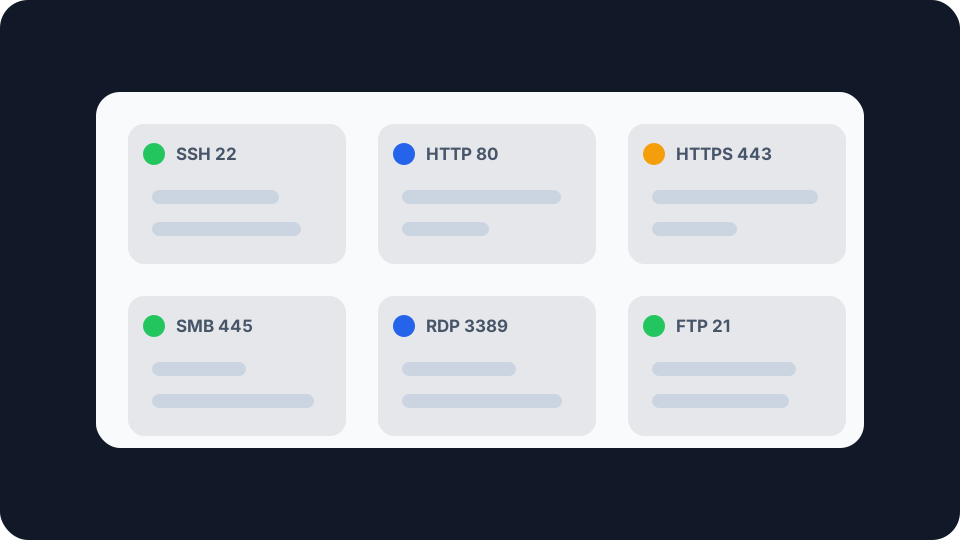
Nothing is opening a port. A port is open because a program on your machine is sitting there waiting for a connection, and nothing in between is saying no. Stop the program and the port closes with it.
What an open port actually is
A port number is sixteen bits, so there are 65,536 of them per protocol, and they exist so that one IP address can run more than one service at a time. When a packet arrives at your address, the port number in its header is what tells the operating system which program should receive it. Web traffic goes to 443, mail goes to 25, and the machine never has to guess.
Open is a status, not a setting. A port is open when three things are true at the same time: a program has bound to it and is listening, the local firewall is letting the traffic through, and whatever sits between you and the internet, usually your router, is passing it on. Break any one of the three and the port stops being open. This is why “how do I close port 3389” nearly always has the same answer as “how do I stop the Remote Desktop service”.
What happens when nothing is listening is written into the protocol itself. RFC 9293, the current TCP specification published in August 2022, puts it this way: “If the connection does not exist (CLOSED), then a reset is sent in response to any incoming segment except another reset.” That reset, the RST packet, is your machine saying nobody is home. It is a real answer, and the difference between giving one and staying silent turns out to matter.
The three ranges, and what they signal
IANA maintains the official registry of port assignments and splits the range into three parts. The split is genuinely useful, because knowing which band a number falls in tells you roughly what you are looking at.
System Ports, 0 to 1023. Assigned through IETF Review or IESG Approval. These are the numbers everyone recognises: 22 for SSH, 25 for SMTP, 80 for HTTP, 443 for HTTPS. On Unix-like systems, binding to one of these has traditionally required elevated privileges, which is a small but real barrier to a random process claiming one.
User Ports, 1024 to 49151. Assigned by IANA through IETF Review, IESG Approval or Expert Review. This is where most application software registers itself: 3306 for MySQL, 3389 for Remote Desktop, 5432 for PostgreSQL.
Dynamic and Private Ports, 49152 to 65535. IANA does not assign these at all. Your machine picks from this range every time it opens an outbound connection and needs a temporary source port for the reply to come back to.
That last band explains something that worries people unnecessarily. Your computer has dozens of ports in use at any given moment, and almost none of them are open in the sense that matters. They are ephemeral source ports belonging to connections you started, they close when the connection does, and nothing outside can reach them.
Open, closed and filtered are three different answers
When something on the internet tries to reach a port on your address, three things can happen, and the distinction is more useful than most people expect.
Open. Something accepted the connection and the TCP handshake completed. There is a program on the other end.
Closed. The connection was actively refused, usually with the reset the specification describes. Nothing is listening on that port, but the host itself answered. That answer confirms the address is live and something is home, which is information you may not have wanted to give away.
Filtered, or no answer at all. The packet was dropped without a reply. From outside, this is genuinely ambiguous. It could be a closed port behind a strict firewall, a service that refuses to talk to strangers, or a machine that is switched off. The scanner cannot tell which, and that ambiguity is the point.
Most home routers do the third thing by default for unsolicited inbound traffic, which is why scanning your own address usually returns silence rather than a wall of refusals. That default is quietly doing real work.
When an open port is a problem, and when it is not
An open port is not a vulnerability. It is a doorway, and everything depends on what is standing behind it. A patched web server on 443 that you deliberately exposed is fine. An unpatched remote access service on 3389 that you did not know was reachable is not. The difference is entirely about the software, not the number.
Exposed remote access keeps coming up because it works. CISA’s #StopRansomware advisory on BlackSuit ransomware, updated 27 August 2024, records that “the second most common vector (around 13.3% of incidents) BlackSuit actors use for initial access is RDP compromise”. That is not a claim that port 3389 is dangerous in itself. It is a measure of how many organisations have remote desktop reachable from the internet without having decided to.
Which raises the thing that opens ports when nobody chose to. UPnP lets a device on your network ask the router to forward a port to it, automatically, with no authentication. Games consoles, media servers and some smart home kit rely on it, which is why it ships enabled on most consumer routers. The UK government’s guidance on port 1900, the UPnP discovery port, is blunt about the risk: “UPnP can pose a major security risk if unintentionally enabled and not managed properly”, with attackers able to “expose internal services to the internet, leading to unauthorised access, malware infections, and data breaches”. Its recommendation for enterprise networks is to disable it so that control of open ports sits with an administrator rather than with whatever device asked last.
At home the trade-off is less clear cut. Turning UPnP off will break things, and you will end up forwarding ports by hand instead. The honest position is that it is worth knowing whether it is on, and worth checking what it has already opened on your behalf.
What you can actually do about it
Check from outside, not from inside. Running netstat or ss on your own machine tells you what is listening locally. It tells you nothing about whether the internet can reach it, because your router is in the way and usually blocking. The only way to answer that question is to have something outside your network attempt the connection, which is what the port checker does. It tries a TCP connection from a server back to the address you are currently browsing from. It deliberately only tests your own connection rather than an address you type in, so it cannot be turned into an anonymous scanner pointed at somebody else.
Know which address you are actually testing. If your router’s public IP does not match the address the internet sees for you, port forwarding cannot work at all, because there is no public address to forward from. That is carrier-grade NAT, where your ISP puts many customers behind one shared public address, and it is increasingly common on mobile and on newer fixed-line connections. Comparing what your own connection reports against the address shown in your router’s status page takes a minute and saves an afternoon of pointless configuration. If a public address sitting in front of a private one is a new idea, the difference between public and private IP addresses is the thing to read first.
Expect forwarding to break on its own. A forwarding rule points at an internal address, so when that device gets a different one from DHCP, the rule now points at nothing. Reserve the address in your router’s DHCP settings rather than hoping. The same thing happens on the outside, where a public IP that changes will quietly invalidate anything that referenced the old one.
Close things by stopping them, not by blocking them. If you find something open that you did not intend, the durable fix is to stop the service or delete the forwarding rule, not to stack a firewall rule in front of it. Firewall rules get reordered, reset by firmware updates and forgotten about. A service that is not running cannot be reached by anyone, in any configuration.
Checking your own
Start with the ports you expect to be closed rather than the ones you expect to be open. SSH on 22, SMB on 445 and Remote Desktop on 3389 reaching a home connection from the public internet are the results worth knowing about, and the port checker will answer for each of them in a few seconds. If something comes back open that you cannot account for, the next question is which device on your network is behind it, and UPnP is the first place to look.
If you want the same picture from the other direction, looking up an address shows what the rest of the internet can already learn about a connection before it tries a single port. Between the two you get a reasonably honest view of your own exposure, which is a more useful starting point than a list of numbers to be afraid of.